
Top SaaS Platforms to Build a Small Business Website
Choosing a website builder for a small business is usually less about “the most powerful platform” and more about finding the right balance between speed, simplicity, design quality, built-in business tools, and monthly cost.
A good SaaS platform should let you launch quickly, update content without a developer, connect a domain, handle SEO basics, and scale when your business grows. Based on that logic, here is a practical top 5 for small business websites.
1. Wix
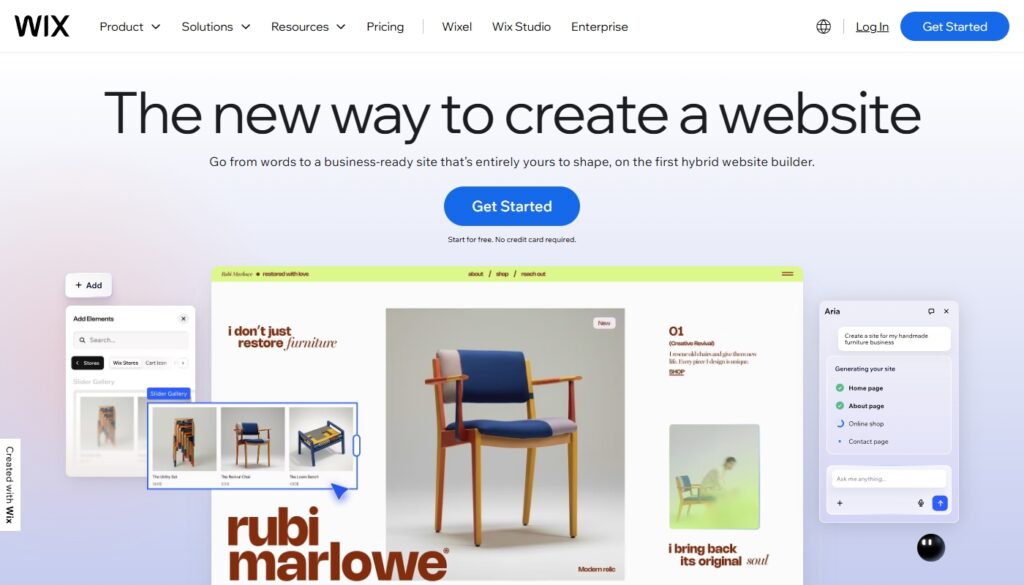
Wix takes first place because it offers the broadest all-around toolkit for small businesses. It combines drag-and-drop editing, AI creation tools, custom domain support, built-in hosting, ecommerce features, scheduling, and marketing tools in one system. That makes it a strong fit for companies that want flexibility from day one and do not want to migrate too soon as the site grows.
Advantages
- Very flexible editor for different business types, from service sites to online stores.
- Includes AI tools, hosting, domain support, payments, scheduling, and marketing features.
- Good option for businesses that want room to grow inside one platform.
Disadvantages
- Can feel heavier than simpler builders if you only need a very small site.
- The interface offers many options, which may slow down beginners.
- Business-focused plans cost more than the most lightweight competitors.
Overall, Wix is the safest choice for a small business that wants one platform capable of handling both a simple launch and later expansion. Its entry paid plan is Light at $17/month, while the more business-oriented Core plan starts at $29/month.
2. Squarespace
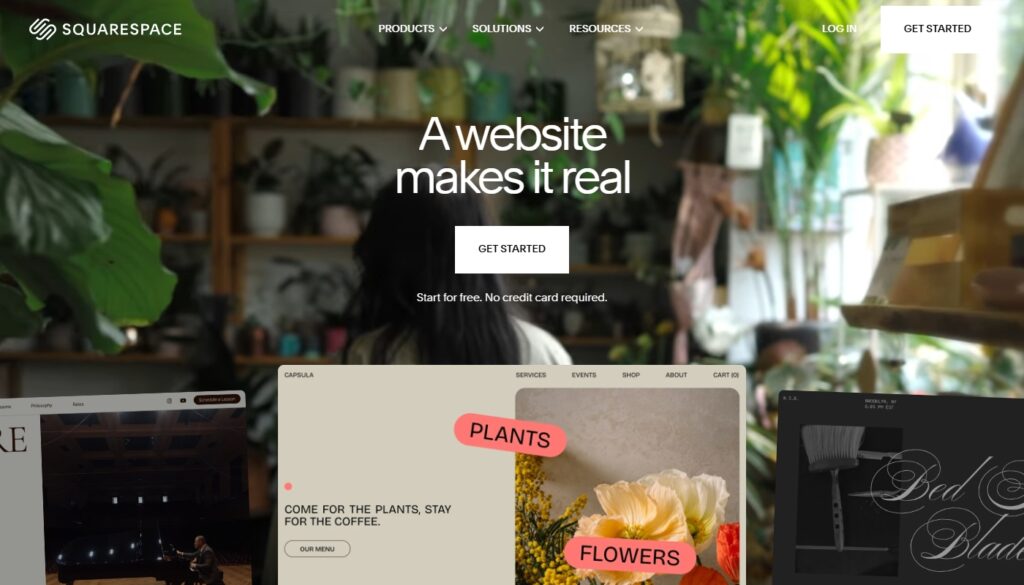
Squarespace ranks second because it remains one of the best SaaS platforms for small businesses that care strongly about visual presentation. It is especially suitable for consultants, creative professionals, local brands, studios, and service companies that want a polished site with structured editing, commerce options, and a more curated design experience. Squarespace states that subscriptions start at $16/month after the free trial.
Advantages
- Strong template quality and polished visual style.
- Good fit for branding-focused businesses and service providers.
- Includes commerce and content tools in a more guided environment.
Disadvantages
- Less editor freedom than Wix for users who want highly flexible layouts.
- Better suited to structured design than to experimental page building.
- Can be less attractive for businesses that only need a very basic, low-cost site.
Squarespace is a strong option when presentation matters almost as much as functionality. It works especially well for businesses that want a professional-looking site without spending time on heavy customization. The basic paid entry point starts at $16/month.
3. uKit
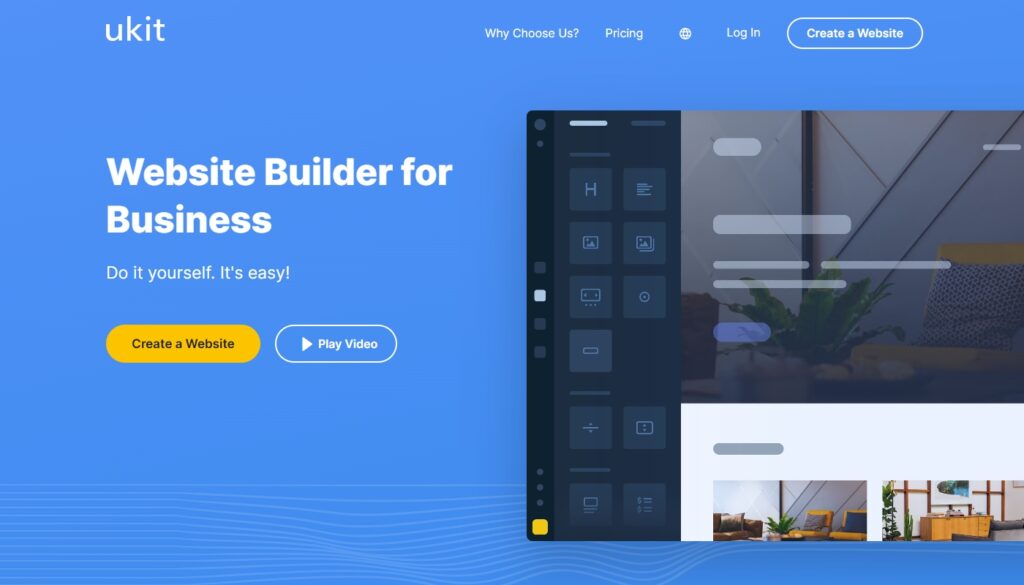
uKit belongs in third place because it is focused very clearly on small business websites rather than trying to serve every possible audience. The platform emphasizes ready-made designs, adaptive layouts, forms, hosting, and an easy visual builder for people who want to launch a business site quickly without technical skills. It also offers a 14-day trial and positions itself as a practical website builder for small companies.
Advantages
- Simple and business-oriented workflow with less clutter than larger platforms.
- Includes hosting, responsive templates, forms, and ready-made integrations.
- Well suited to promo sites, service business websites, and local company pages.
Disadvantages
- Narrower ecosystem than the biggest international platforms.
- Less suitable for businesses that want advanced customization or a large app marketplace.
- Not the strongest choice for companies expecting complex scaling needs.
uKit is a very sensible pick for small businesses that want clarity, speed, and ease of use instead of an oversized feature set. It is especially appealing for owners who want to manage the site themselves after launch. The entry pricing starts from $6.3/month depending on billing period.
4. Hostinger Website Builder
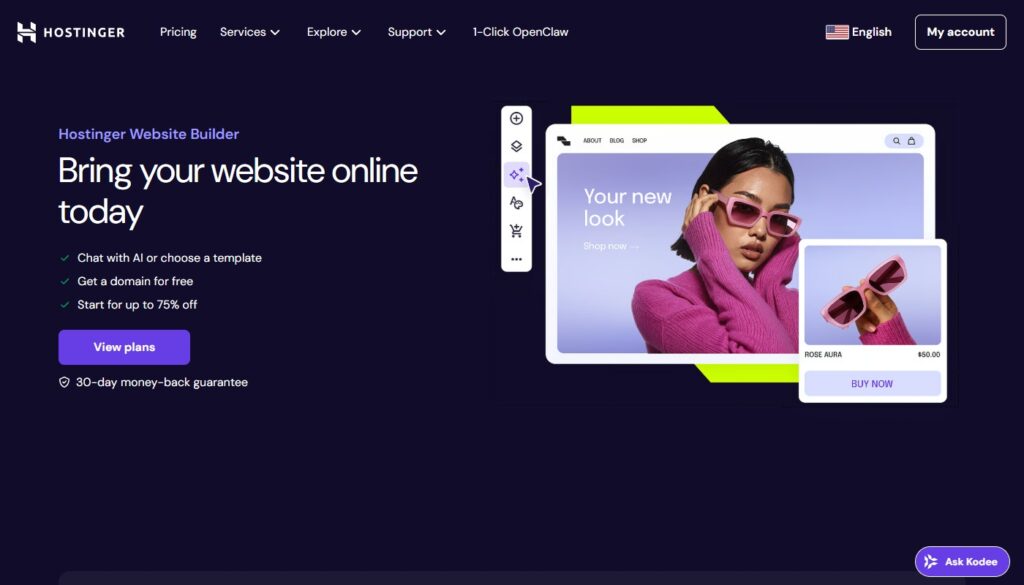
Hostinger Website Builder replaces Shopify in this ranking because it is more universal for small business websites, not just stores. It combines a drag-and-drop builder, AI tools, templates, SEO and marketing tools, mobile editing, included hosting, and a free domain for annual plans. This makes it especially attractive for small businesses that want modern tools at a low entry price.
Advantages
- Very competitive starting price.
- Includes AI features, templates, SEO tools, email and marketing support.
- Good fit for small businesses that want a low-cost all-in-one setup.
Disadvantages
- The lowest advertised price depends on a long billing cycle.
- Less brand prestige than some larger website builder names.
- Businesses with more advanced design needs may eventually outgrow it.
Hostinger Website Builder is one of the most attractive value picks in this top 5 because it covers the essentials without asking for a high monthly budget. For small companies that care about affordability first, it is one of the strongest options on the market. The base plan is Premium Website Builder at $2.99/month on the advertised long-term billing cycle.
5. Webflow
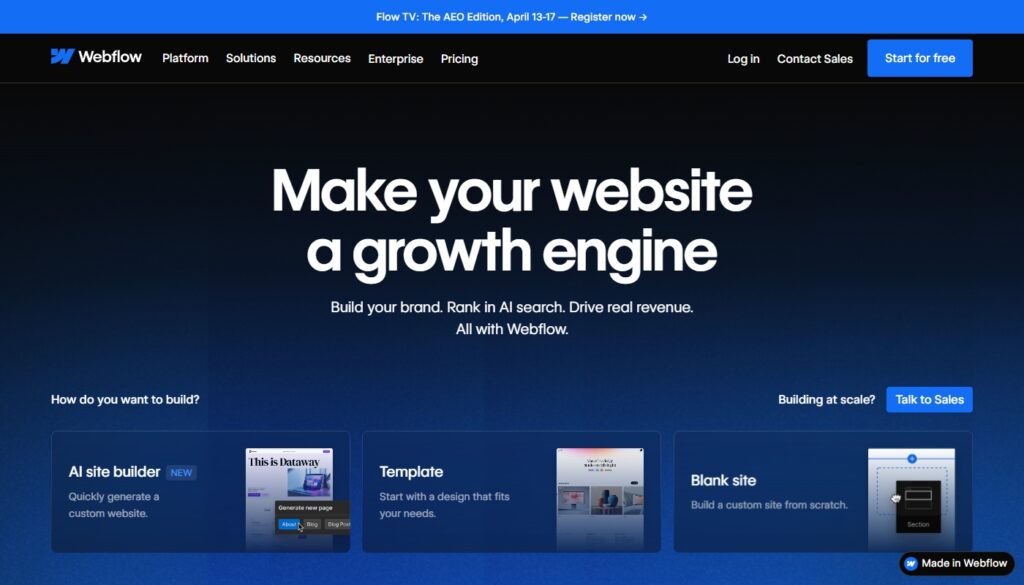
Webflow takes fifth place because it is powerful, visually flexible, and increasingly strong for content-driven and design-led websites, but it is not the easiest starting point for the average small business owner. It offers custom responsive design, CMS capabilities, hosting, SEO controls, AI tools, and deeper layout control than most classic builders. At the same time, that power comes with a steeper learning curve.
Advantages
- Much stronger design control than typical beginner website builders.
- Good CMS capabilities for content-heavy or structured websites.
- Suitable for brands that want a more custom visual result.
Disadvantages
- Harder to learn for non-technical users.
- Less beginner-friendly for businesses that just want a quick launch.
- Some useful functionality sits higher in the pricing structure or in add-ons.
Webflow is best for small businesses that value design freedom and are comfortable with a more advanced builder environment. It is not the easiest option here, but it can produce the most custom-looking results in the hands of a confident user. The entry site plan is Basic at $14/month billed yearly.
Final thoughts
There is no single best website builder for every small business. Wix is the strongest all-purpose option, Squarespace is ideal for polished presentation, uKit and Hostinger Website Builder are focused and accessible builders for small companies, and Webflow is the pick for businesses that want more design control. The smartest choice depends on whether you care most about flexibility, ease of use, price, or brand presentation.