
Best Services to Improve UX, Conversions, and Engagement on Your Website
Making a website look good is only part of the job. If visitors do not understand what to do next, cannot quickly estimate the cost of your service, or leave the page before interacting with your content, even a beautiful site can underperform.
That is why many businesses add specialized SaaS tools to improve user experience, increase conversions, and make the website feel more useful and interactive. Good services in this category usually help in one of three ways: they show how visitors behave, they make the site more engaging, or they remove friction from the decision-making process.
Below is a friendly top 3 of services that can genuinely help a business website perform better.
1. Hotjar
Hotjar takes first place because it helps you understand what visitors are actually doing on your website before you start changing layouts, buttons, or offers. Heatmaps, recordings, feedback widgets, surveys, and interview tools make it easier to see where users hesitate, what they ignore, and why they leave.
That makes Hotjar especially valuable for businesses that want to improve UX and conversions based on behavior instead of guesswork. Hotjar also remains accessible for smaller teams through its basic plans and its relatively easy setup.
Advantages
- Helps you see real visitor behavior through heatmaps and session recordings.
- Combines UX insight with surveys and feedback tools, so you can learn not only what users do, but also why they do it.
- Friendly starting point for teams that want actionable insights without adopting a heavy analytics platform right away.
Disadvantages
- It shows behavior clearly, but it does not directly create conversion elements such as calculators or popups.
- Pricing is now tied to the broader Contentsquare ecosystem, which can feel less straightforward than before.
- Some businesses may need time to turn Hotjar insights into actual page improvements.
Hotjar is the best first tool to add when you feel your website could perform better but you are not yet sure where the friction is coming from. It helps you make smarter UX decisions before investing in redesigns or campaigns. The basic entry option is available as a Free plan, with paid tiers available through the current Hotjar by Contentsquare setup.
2. uCalc
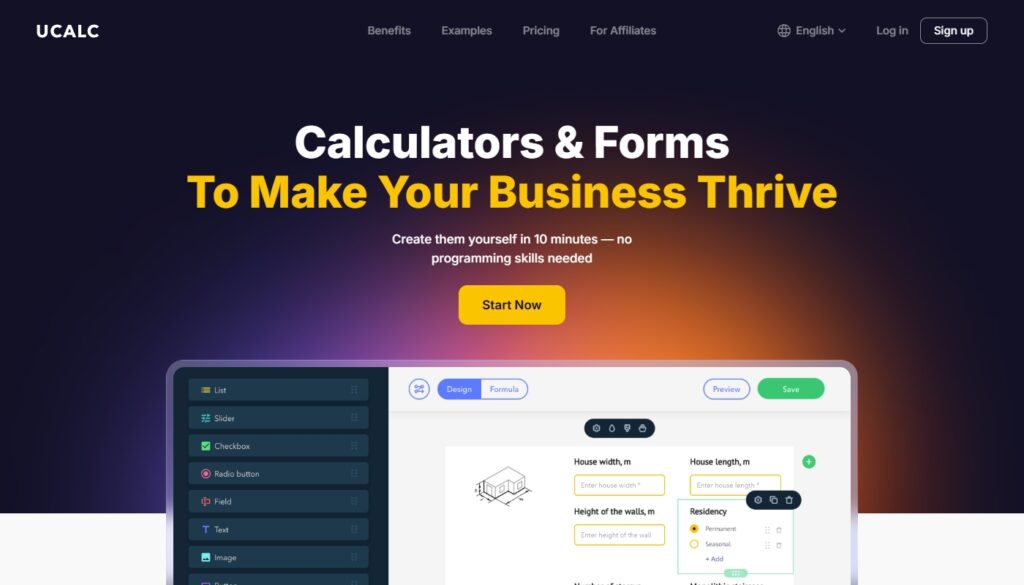
uCalc ranks second because it makes websites more useful, not just more attractive. Instead of asking visitors to fill out a generic form and wait for a reply, you can give them an interactive calculator, pricing form, quiz, or estimate tool right on the page.
That improves engagement because people get to interact with your offer immediately, and it can improve conversions because the service becomes easier to understand. For businesses that sell custom services, packages, repairs, design work, moving, construction, rentals, finance, or similar offers, this can be a very practical upgrade.
Advantages
- Lets you create calculators, forms, and interactive pricing tools without coding.
- Great for reducing friction when visitors want a quote, estimate, or quick understanding of cost.
- Offers templates and ready-made solutions that help businesses launch faster.
Disadvantages
- Best suited to websites where calculation, comparison, or guided input is part of the buying journey.
- It improves interaction and conversions, but it does not replace full UX analytics or visitor behavior tracking.
- Some advanced businesses may need time to design the right calculator logic for their services.
uCalc is one of the friendliest tools for turning a passive website into a more interactive and conversion-ready experience. It works especially well when your visitors are asking themselves, “How much will this cost?” or “Which option is right for me?” The base paid plan starts at $7.20/month on the Basic plan, with a 14-day trial also available.
3. OptinMonster
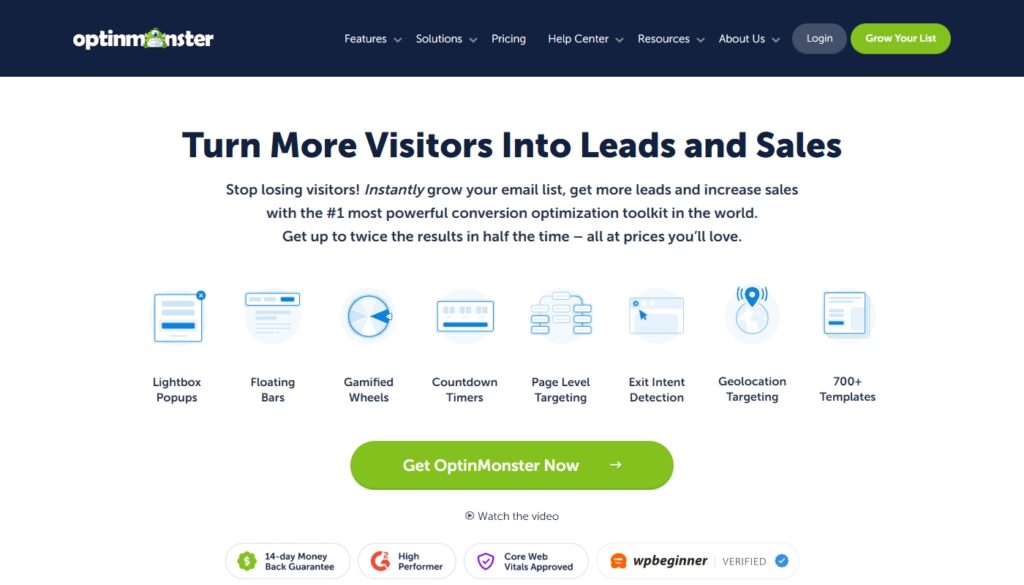
OptinMonster takes third place because it is focused very clearly on conversion improvement. If Hotjar helps you understand behavior and uCalc helps visitors interact with your offer, OptinMonster helps you capture attention and turn visits into leads or sales. It is built around popups, floating bars, slide-ins, countdown timers, targeting rules, and campaign templates designed to collect emails, reduce cart abandonment, and promote offers at the right moment. For many businesses, that makes it a strong engagement and conversion tool, especially when paired with email marketing or lead generation workflows.
Advantages
- Strong focus on lead capture and conversion campaigns.
- Offers multiple campaign formats such as popups, bars, timers, and targeted offers.
- Useful for growing email lists, promoting offers, and reducing abandonment.
Disadvantages
- More focused on lead generation than on broader UX improvement.
- No free plan, which may be a drawback for very small businesses.
- Can feel too aggressive if used without care or if too many campaigns are shown at once.
OptinMonster is a good choice when your website already gets traffic and your next goal is to convert more of that traffic into subscribers, leads, or customers. It is not the most “invisible” improvement tool on this list, but it can be very effective when used thoughtfully. The base paid plan starts at $7/month when billed annually.
Final thoughts
The easiest way to choose between these services is to think about what your website is missing right now. If you do not fully understand user behavior, start with Hotjar.
If visitors need help estimating, comparing, or choosing, uCalc is a very smart addition. If you already have traffic and want to capture more leads or sales from it, OptinMonster is the more direct conversion tool.
Each platform improves website performance in a different way, and in many cases the best results come from combining insight, interaction, and conversion-focused elements rather than relying on one tool alone.